Why Duty Drawback Matters
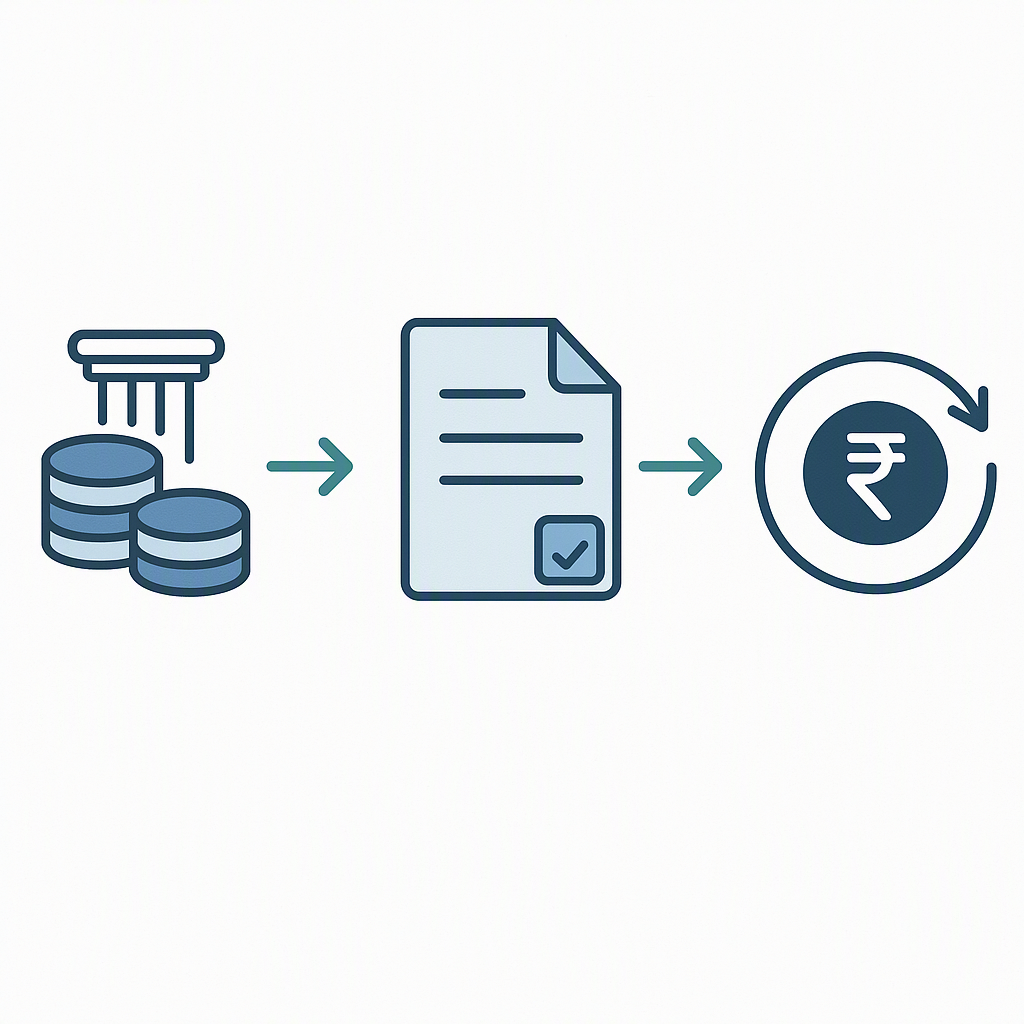
Exporting is tough enough without leaving money on the table. If you're an Indian exporter, you're probably eligible for a duty drawback — a refund of customs duties paid on imported inputs used in the goods you export. But here's the catch: the duty drawback process is full of paperwork, deadlines, and compliance hurdles. Mess up the application, and you could lose out on refunds worth lakhs.
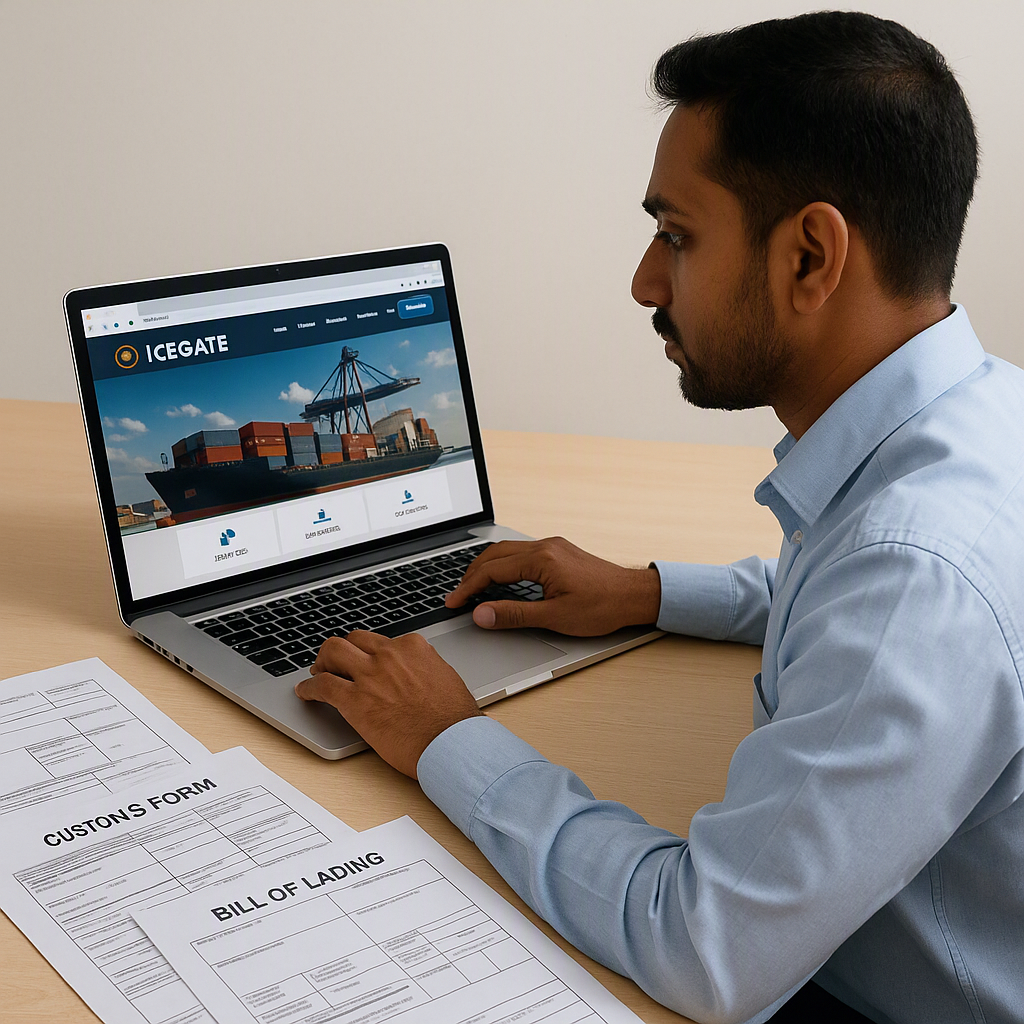
So, how do you file a duty drawback application online without pulling your hair out? Let’s break it down step by step, focusing on ICEGATE — the Indian Customs Electronic Gateway.
Step 1: Check Your Eligibility
Before you even think about filing, confirm whether your exports qualify for duty drawback. Here’s what you need:
- Exported goods: The items must be physically exported out of India. Documentation like the Shipping Bill and Export General Manifest (EGM) is mandatory.
- Imported inputs: The exported goods must use inputs on which customs duties were paid.
- Timely submission: Applications must be filed within one year from the date of export (extendable by up to six months with proper justification).
Key Exclusions
If you're exporting under certain schemes like Advance Authorization or EPCG (Export Promotion Capital Goods), you might not qualify for duty drawback. These schemes generally exempt import duties upfront, so claiming a refund would be redundant.
Actionable Steps:
- Review your export scheme: Check if your shipment falls under duty drawback-eligible schemes.
- Check your export timeline: If it’s been over a year since your export, ensure you have a justified reason for an extension.
- Identify imported inputs: Ensure you have proper documentation for the customs duties paid on these inputs.
Step 2: Register on ICEGATE
To file your duty drawback application online, you must have an account on ICEGATE. Setting this up is straightforward but involves a few steps.
- Visit the ICEGATE website: Go to ICEGATE.
- Sign Up: Click on the Sign Up button and fill out the registration form. Keep the following information handy:
- Your IEC (Importer Exporter Code): A 10-digit number issued by the Director General of Foreign Trade (DGFT).
- Your GSTIN (Goods and Services Tax Identification Number).
- Accurate contact details, including email and phone number.
- Get a Digital Signature Certificate (DSC): ICEGATE mandates a Class 3 DSC for secure submissions. You can procure one from authorized certifying agencies like eMudhra or Sify.
- Approval Process: Once you submit your details, ICEGATE verifies your information within 24-48 hours.
Pro Tips:
- Ensure that the bank details linked to your ICEGATE profile are accurate and match the account where you want the refund to be credited.
- Keep your DSC updated to avoid last-minute delays. Certificates usually expire after 1-2 years and need renewal.
Step 3: Prepare the Required Documents
A successful duty drawback application hinges on having the correct documentation. Missing or incorrect documents can lead to delays or rejection. Here’s a checklist of what you’ll need:
- Shipping Bill: This is the most critical document as it directly ties your export to the duty drawback claim.
- Export Invoice and Packing List: These documents verify the value of the goods exported.
- Bill of Entry: Proof that customs duties were paid on the imported inputs used in the exported goods.
- Bank Realisation Certificate (BRC): Confirms that you received payment for your exports.
- Duty Drawback Declaration: A signed declaration confirming the details of your claim.
Tips for Document Preparation:
- Always scan documents in PDF format, as ICEGATE supports only certain file types and has upload size limits.
- Double-check that all details (e.g., dates, invoice values) match across documents to avoid discrepancies.
- Maintain both physical and digital copies for future reference.
Step 4: File the Application on ICEGATE
Now comes the actual filing process. It may seem daunting, but following these steps can simplify it:
- Log In: Use your ICEGATE credentials to log into the portal.
- Navigate to the Duty Drawback Section: Under the “Services” tab, select “Duty Drawback.”
- Enter the Required Details: Input the Shipping Bill number, invoice value, and other mandatory fields. These details must match the scanned documents you’ve prepared.
- Upload Documents: Attach the relevant PDFs. Ensure that all files are legible and meet size requirements.
- Submit with DSC: Use your Class 3 DSC to digitally sign and submit the application.
Once submitted, ICEGATE provides you with an acknowledgment and a reference number. Keep this number safe; it’s essential for tracking your application.
Step 5: Monitor and Respond
After submission, your application undergoes scrutiny by customs authorities. Here’s how to stay on top of the process:
- Track Application Status: Use your acknowledgment/reference number to monitor the progress on ICEGATE. The status could be “pending,” “approved,” or “rejected.”
- Respond Quickly to Queries: If customs raises objections or requires additional documents, you’ll receive a query on the portal. Respond promptly to avoid delays.
- Check Refund Status: Once approved, the refund is credited to your registered bank account. This process can take anywhere from 15 to 30 days.
Common Mistakes to Avoid
- Mismatched Details: Ensure all details in your application match the corresponding documents. Even minor discrepancies can lead to rejection.
- Late Filing: Don’t wait until the last minute. Applications submitted after the one-year deadline (or extended period) are automatically disqualified.
- Incomplete Documentation: Missing required documents is a common pitfall. Double-check your checklist before submission.
- Incorrect Bank Details: Since refunds are non-transferable, ensure your bank account information is accurate.
Comparison Table: Duty Drawback vs GST Refund
| Aspect | Duty Drawback | GST Refund |
|---|---|---|
| Scope | Refund of customs duties on imported inputs | Refund of GST paid on exported goods/services |
| Eligibility | Physical goods exported out of India | Goods and services exported from India |
| Key Document | Shipping Bill, Bill of Entry | GST Invoice, Export Invoice |
| Timeline | File within 1 year of export | File within 2 years of export |
| Processing Time | 15-30 days post-approval | Varies by GST jurisdiction |
How SCPL Can Help
Let’s face it: navigating government portals and compliance rules isn’t everyone’s cup of tea. That’s where experts come in. At SCPL, we’ve helped exporters streamline incentive applications, from duty drawback to PLI claims.
Here’s how our eligibility assessment feature fits in. Many exporters struggle to map their specific export transactions to the right schemes. With our service, we analyze your sector, export value, and inputs to ensure you’re not missing out on any refund or subsidy. Think of it as having a GPS for the maze of government incentives.
If you’re dealing with confusing compliance requirements or missed deadlines, SCPL can help. Get expert advice on subsidy and refund claims →